
Athlete stories + smarter performance
See the moment. Understand the motion.
Turn race footage into personal highlight reels, training videos into practical form feedback, and wearable data into decisions athletes and coaches can use.
Built for athletes, coaches, physical therapists, and race directors.
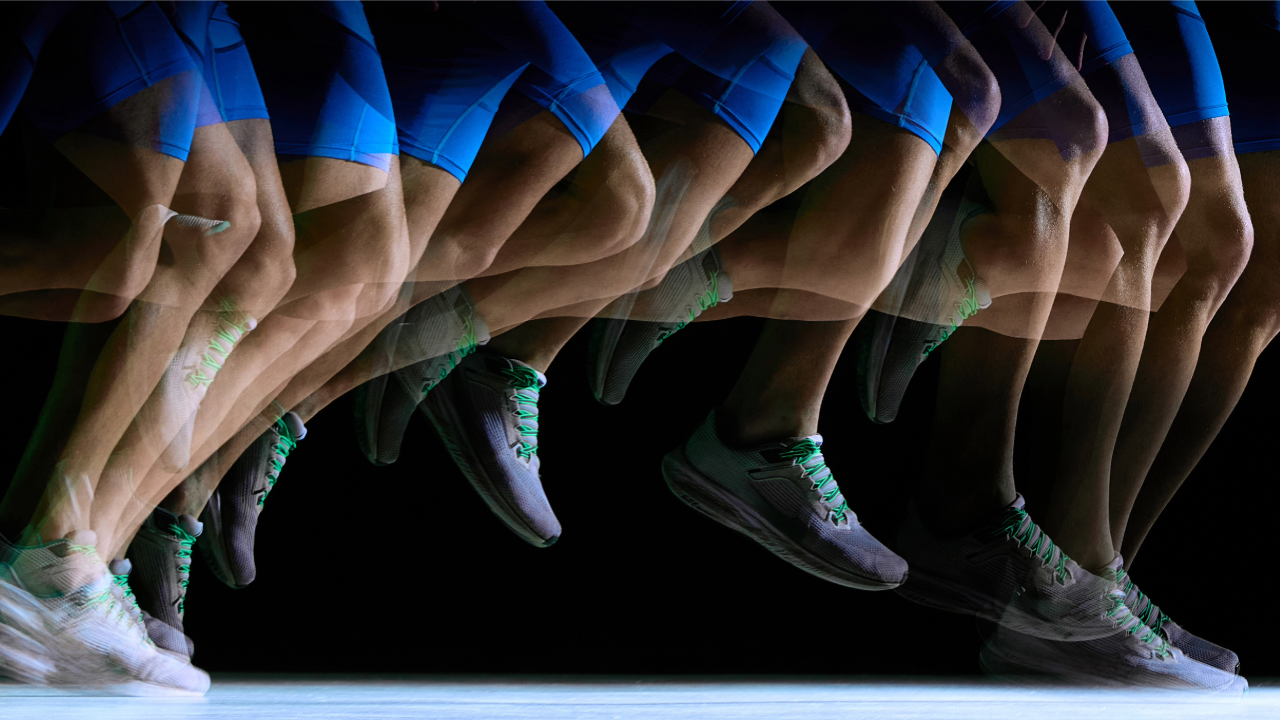
Form & Movement Analysis
Select your sport or activity.
Instant video breakdown tools tailored for specific movements, gait screening, explosive start timing, strength depth, and comprehensive coaching workbenches.
Race-day stories
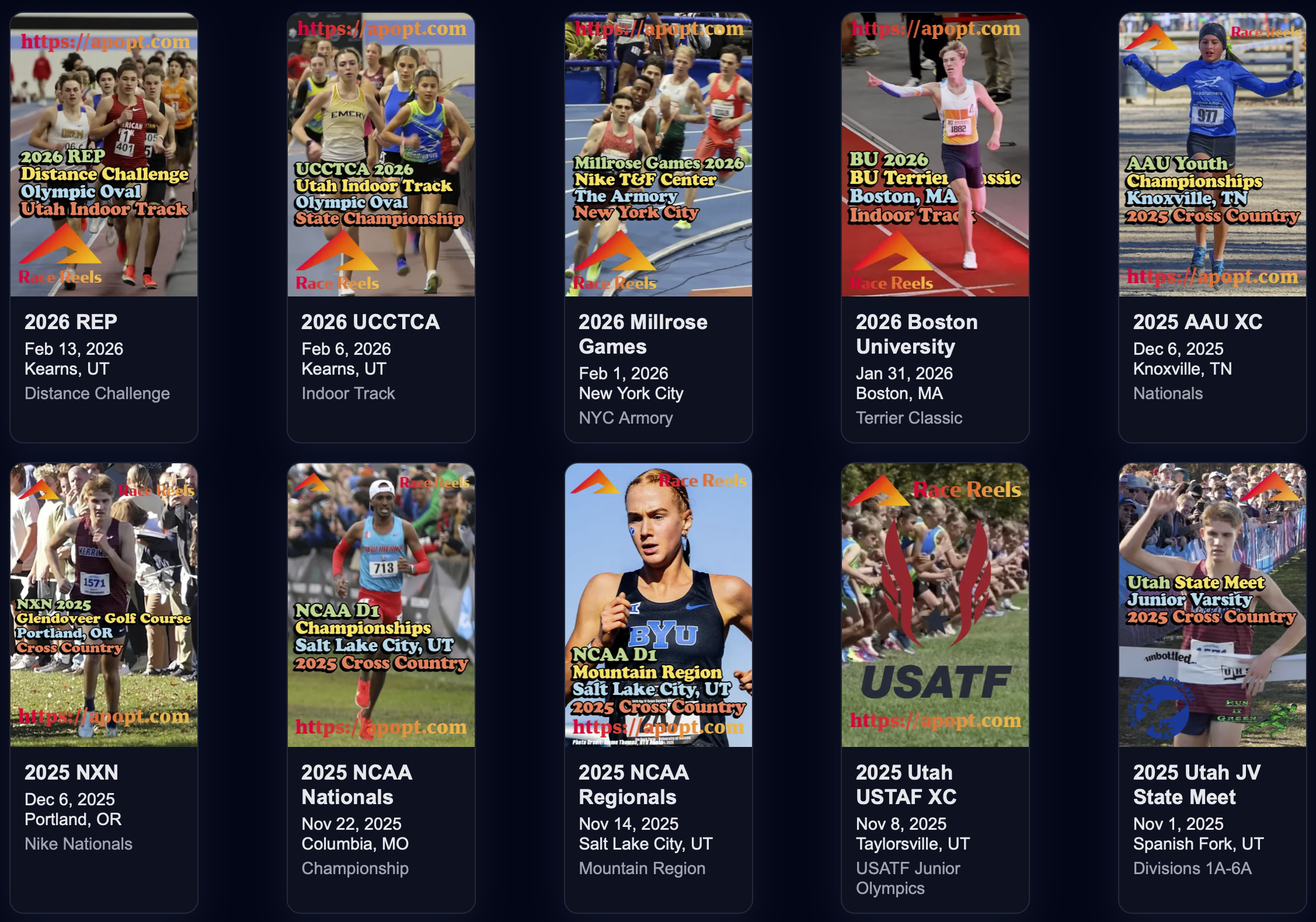
Race Reels & Event Highlights
Athletes can find their event, watch personal bib-matched clips, and share memorable finish-line stories with family and teammates.
Personalized Highlights
Race Reels Gallery
Find bib-matched race clips, watch the best moments, and share a direct link to your personal reel.
 Fast + Social
Sizzle Highlights
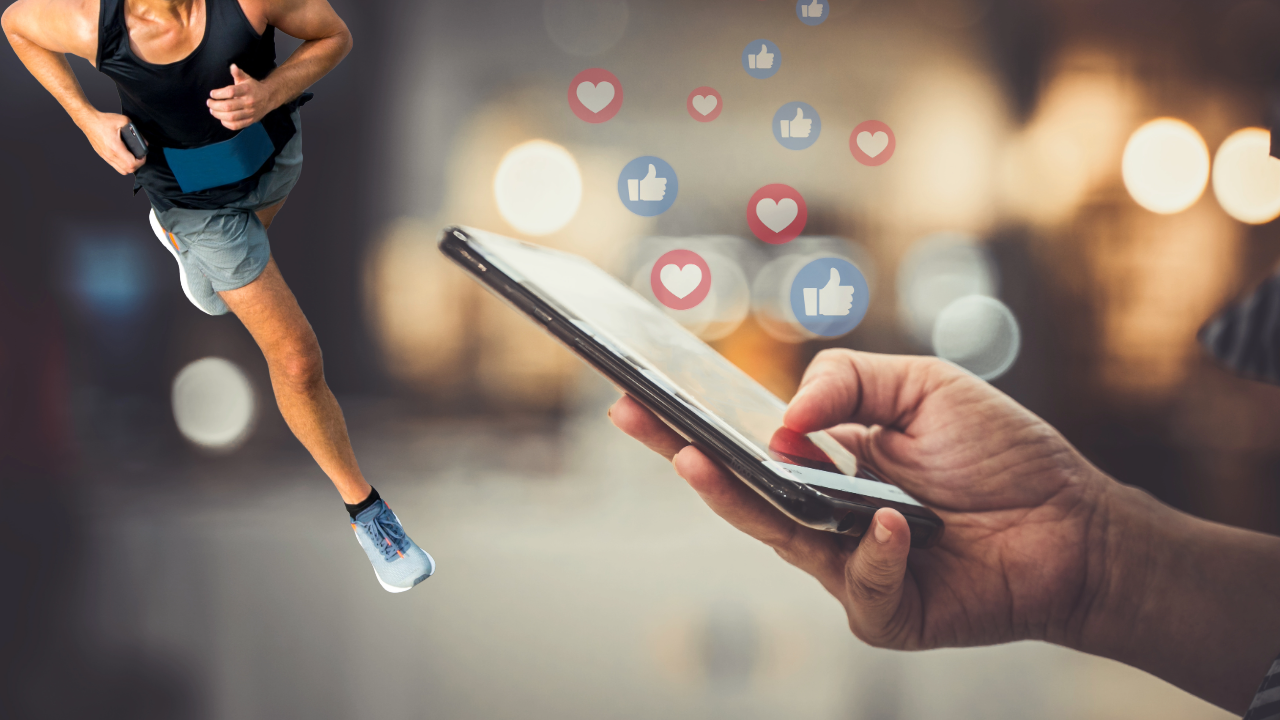
Turn race footage into compact, high-energy short-form video clips made for sharing.
Fast + Social
Sizzle Highlights
Turn race footage into compact, high-energy short-form video clips made for sharing.
Race Reels FAQ & Guide
Learn how bib matching works, how athletes locate footage, and how customized race reels are generated and shared across social platforms.
Performance & Event Tools
Data Analytics & Race Operations
Turn wearable sensor data into actionable training feedback and streamline meet registration, rosters, and race-day logistics.
Sponsor a Race with RaceReels
Fund athlete highlight creation for your upcoming race. Event sponsors receive clean closing logo placement on every participant's shareable Race Reel.
Collaboration
Built through sport, science, and community.
Research, youth development, technology, and coaching partners help turn athlete needs into practical tools.